Note
Click here to download the full example code
7.1. Logging to terminal
On this example we show how to make all log messages show in the terminal.
# Imports
from uuid import uuid4
from tempfile import gettempdir
from os.path import join
from aequilibrae.utils.create_example import create_example
import logging
import sys
We create the example project inside our temp folder
fldr = join(gettempdir(), uuid4().hex)
project = create_example(fldr)
logger = project.logger
With the project open, we can tell the logger to direct all messages to the terminal as well
stdout_handler = logging.StreamHandler(sys.stdout)
formatter = logging.Formatter("%(asctime)s;%(levelname)s ; %(message)s")
stdout_handler.setFormatter(formatter)
logger.addHandler(stdout_handler)
project.close()
Want to see what you will get?
from PIL import Image
import matplotlib.pyplot as plt

img = Image.open("plot_logging_to_terminal_image.png")
plt.imshow(img)
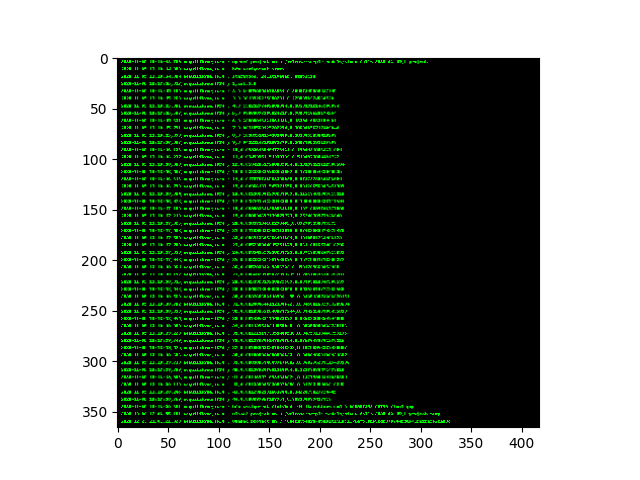
<matplotlib.image.AxesImage object at 0x7f7fd11a27f0>
Total running time of the script: ( 0 minutes 0.508 seconds)